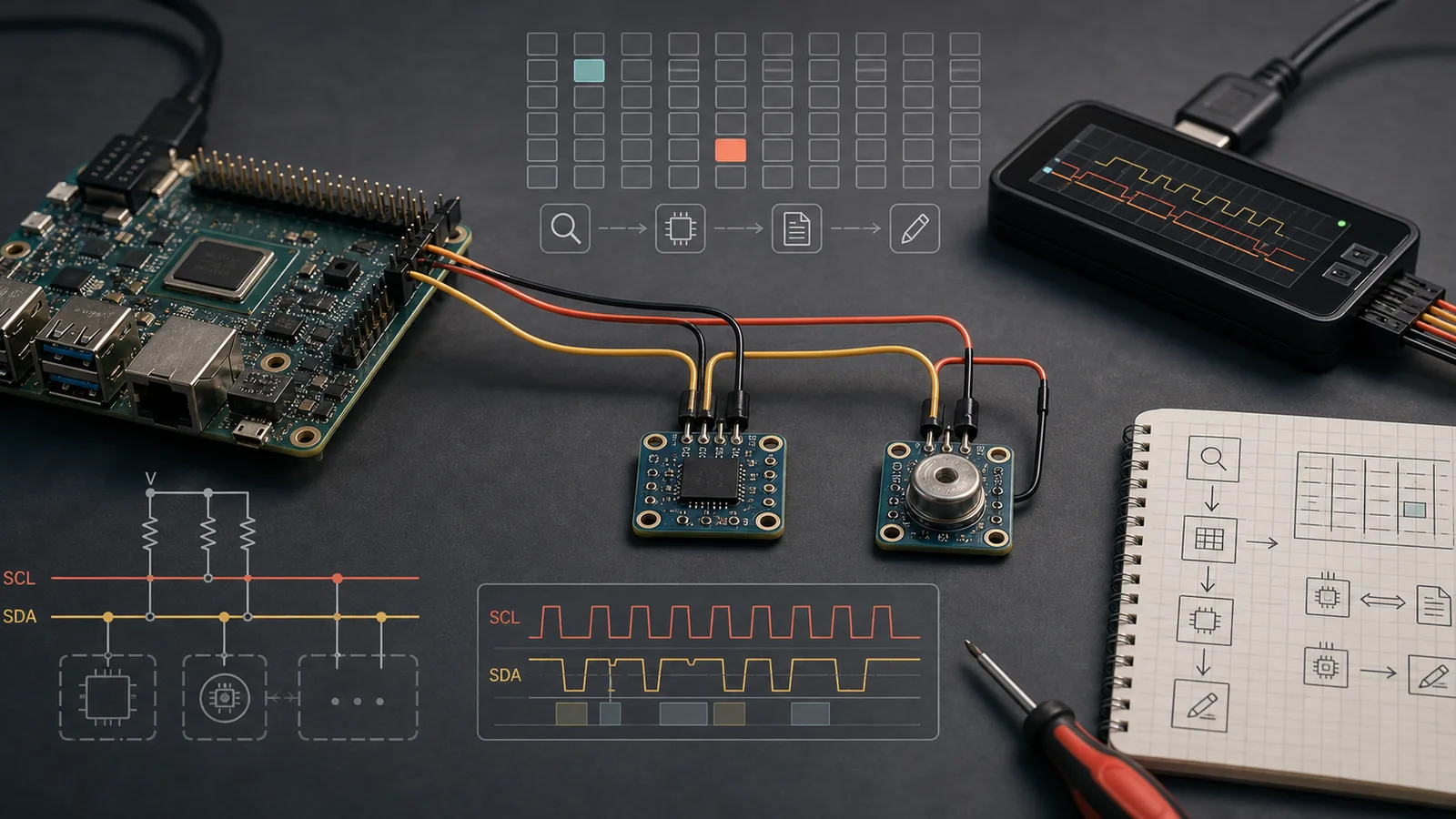
Architecture
I2C is a shared two-wire serial bus. Linux models each hardware controller as an
i2c_adapter. Userspace sees adapters as character devices named
/dev/i2c-N, where N is the Linux bus number.
CPU / SoC / USB adapter
  -> I2C controller driver
  -> Linux i2c_adapter
  -> /dev/i2c-0, /dev/i2c-1, ...
  -> devices at 7-bit addresses like 0x1a, 0x3c, 0x68
The bus number is not the device address. /dev/i2c-1 means adapter or bus
number 1. A device address such as 0x68 is selected on that bus for one
transaction.
| Concept | Linux representation | Example |
|---|---|---|
| Controller / adapter | /dev/i2c-N | /dev/i2c-1 |
| Device address | 7-bit address on one bus | 0x3c |
| Register offset | Device-specific internal address | 0x00, 0x10 |
| Kernel client | struct i2c_client | Driver-bound device |
Physical Wiring
A basic I2C connection has four important lines: SCL, SDA,
GND, and the device supply rail. SCL is the clock,
SDA is data, and all devices on the same bus share those lines.
Linux board SCL ----+---- sensor SCL
                   +---- EEPROM SCL

Linux board SDA ----+---- sensor SDA
                   +---- EEPROM SDA

Linux board GND -------- all device grounds
Power rail 3.3V -------- devices that are 3.3V tolerant- I2C lines are open-drain/open-collector style and need pull-up resistors.
- Many boards already have pull-ups; too many parallel pull-ups can make the bus too strong.
- Voltage matters: do not connect a 1.8V-only device directly to a 3.3V bus without level shifting.
- All devices on one bus need unique addresses unless an I2C mux or address-select pin separates them.
- Long wires, high speed, and weak grounding are a classic recipe for intermittent failures.
Install Command-Line Tools
The common Linux package is i2c-tools.
# Debian / Ubuntu
sudo apt update
sudo apt install i2c-tools

# Fedora
sudo dnf install i2c-tools

# Arch
sudo pacman -S i2c-tools
You usually also need the kernel character-device interface:
sudo modprobe i2c-dev
ls /dev/i2c-*
On many embedded boards you may need to enable the controller in Device Tree, firmware
settings, BIOS, or board configuration before it appears as /dev/i2c-N.
Find I2C Buses
Start with the high-level adapter list:
i2cdetect -lExample output:
i2c-0   i2c        Synopsys DesignWare I2C adapter      I2C adapter
i2c-1   i2c        bcm2835 I2C adapter                  I2C adapter
i2c-3   smbus      SMBus I801 adapter at efa0           SMBus adapter
Other useful ways to inspect buses:
ls -l /dev/i2c-*
ls /sys/class/i2c-adapter/
for b in /sys/class/i2c-adapter/i2c-*; do
  echo "$b: $(cat "$b/name")"
done
SMBus adapters are often I2C-like but may not support every raw I2C transaction. Many PC motherboard management controllers show up as SMBus.
List Devices On A Bus
Scan a bus for responding 7-bit addresses:
sudo i2cdetect -y 1Meaning: scan Linux bus 1, using -y to skip the interactive warning.
     0  1  2  3  4  5  6  7  8  9  a  b  c  d  e  f
00:                         -- -- -- -- -- -- -- --
10: -- -- -- -- -- -- -- -- -- -- -- -- -- -- -- --
20: -- -- -- -- -- -- -- -- -- -- -- -- -- -- -- --
30: -- -- -- -- -- -- -- -- -- -- -- -- 3c -- -- --
40: -- -- -- -- -- -- -- -- -- -- -- -- -- -- -- --
50: 50 -- -- -- -- -- -- -- -- -- -- -- -- -- -- --
60: -- -- -- -- -- -- -- -- 68 -- -- -- -- -- -- --
70: -- -- -- -- -- -- -- --| Output | Meaning |
|---|---|
-- | No device acknowledged that address. |
3c | A device acknowledged address 0x3c. |
UU | A kernel driver already owns that address. |
Read From Devices
Most register-style devices use a device address plus an internal register address. Read one byte:
sudo i2cget -y 1 0x68 0x00Read a word using SMBus word access:
sudo i2cget -y 1 0x68 0x10 wDump a range of registers:
sudo i2cdump -y 1 0x68Read a block, when the adapter and device support it:
sudo i2ctransfer -y 1 w1@0x68 0x00 r16
That i2ctransfer command writes one byte, 0x00, to select
the starting register, then performs a repeated-start read of 16 bytes from address
0x68. It is often closer to what a kernel driver does than
i2cget.
Write To Devices
Write one byte to register 0x10:
sudo i2cset -y 1 0x68 0x10 0x01Write a word:
sudo i2cset -y 1 0x68 0x20 0x1234 wUse i2ctransfer for explicit multi-byte writes:
sudo i2ctransfer -y 1 w3@0x68 0x20 0x12 0x34
Here w3@0x68 means one write message of three bytes to device
0x68. The first byte is commonly the register address, and the following
bytes are data, but that is a device convention, not an I2C rule.
Sysfs View
The kernel's I2C model is visible under /sys/bus/i2c and
/sys/class/i2c-adapter. Useful commands:
ls /sys/bus/i2c/devices
find /sys/bus/i2c/devices -maxdepth 2 -type f -name name -print -exec cat {} \;
readlink -f /sys/class/i2c-adapter/i2c-1/device
Device directories are often named like 1-0068, meaning bus 1, address
0x68. If a kernel driver is bound, you can usually see a
driver symlink in that device directory.
ls -l /sys/bus/i2c/devices/1-0068/driverDebug Checklist
- Confirm the adapter exists:
i2cdetect -l. - Confirm
/dev/i2c-Nexists:ls /dev/i2c-*. - Load userspace access support:
sudo modprobe i2c-dev. - Check permissions: use
sudoor add your user to the board's I2C group if configured. - Check physical wiring: SCL, SDA, GND, voltage, pull-ups, connector orientation.
- Scan gently:
sudo i2cdetect -y N. - If you see
UU, inspect the bound kernel driver instead of poking blindly. - Use a logic analyzer if the bus is electrically suspicious.
Safety And Interpretation
- An I2C address alone does not identify a chip. Many unrelated devices share addresses.
- Some chips have multiple possible addresses controlled by address pins.
- An absent scan result can mean no power, wrong bus, wrong voltage, missing pull-ups, held reset, or driver ownership.
i2cdumpcan have side effects on devices where reads clear interrupt/status bits.- SMBus word endianness may surprise you; always compare with the datasheet.
- For production software, prefer a kernel driver or a careful userspace library over shelling out to tools.